
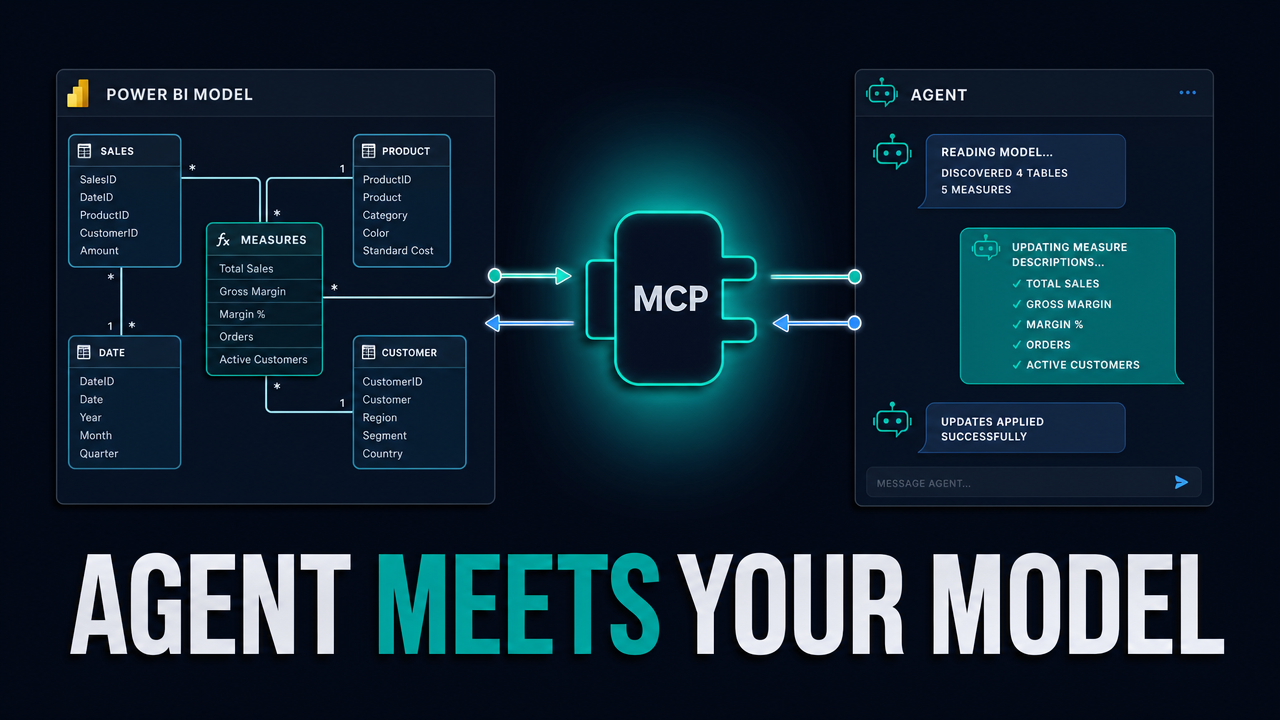
How do you let an AI agent actually edit your Power BI semantic model — not just hand you DAX to paste? You connect a Copilot- or Claude-style agent to your live model through Microsoft's official Power BI Modeling MCP server and the XMLA endpoint, then drive bulk model work (descriptions, hides, sort-bys, mark-as-date, new measures, even SVG-via-DAX visuals) in a fraction of the time — with the changes landing as a reviewable git diff when the model is saved as a Power BI project.
What you'll learn
Connect an AI agent to your live Power BI semantic model via the Modeling MCP server and the XMLA endpoint
Add descriptions to every table, column, and measure in your model in one prompt
Run an optimization pass where the agent proposes a plan first, you approve it, and then it executes
Verify what the agent actually changed by reading the TMDL git diff in a Power BI project
Roll back any change you do not like, file by file, using source control as your undo button
Generate an SVG sparkline visual by asking the agent to write the DAX measure for it
Resources